15 / 15iOS / mindful interactionIndependent exploration
iOS Mindful Technology 0→1 Product

GitaLock

GitaLock turns an impulsive app open into a mindful decision. When a daily limit is reached, a verse from the Bhagavad Gītā appears at the gate—helping the user pause, reflect, and choose how to spend the next few minutes.

View on the App Store ↗
My Role
Product Designer · UX Strategist · iOS Product Builder
Platform
Native iOS 17+ · Apple Screen Time
Tools
SwiftUI · Family Controls · Device Activity · Managed Settings
Deliverables
Product strategy · Onboarding · App selection · Schedules · Custom lock experience
GitaLock — product overview
GitaLock / Selected product view
701
Bhagavad Gītā verses available offline
18
Chapters with Sanskrit, transliteration, and English
0
Accounts, tracking, or personal data collected
Shipped
Native Screen Time app on the App Store
Problem
Conventional app blockers punish distraction without helping users reconsider the impulse.
Ownership
Product strategy, onboarding, interaction design, visual direction, and native iOS delivery.
Constraints
Apple Screen Time APIs, on-device privacy, and a calm experience that never feels punitive.
Outcome
A shipped App Store product with 701 offline verses, no accounts, and no tracking.
01

The Product Idea

Most app blockers treat distraction as a discipline problem. They add a hard wall, but do little to change the reflex that brought the user there.

GitaLock reframes the blocked moment as a point of reflection. Instead of punishment, the experience offers a calm interruption grounded in timeless guidance.

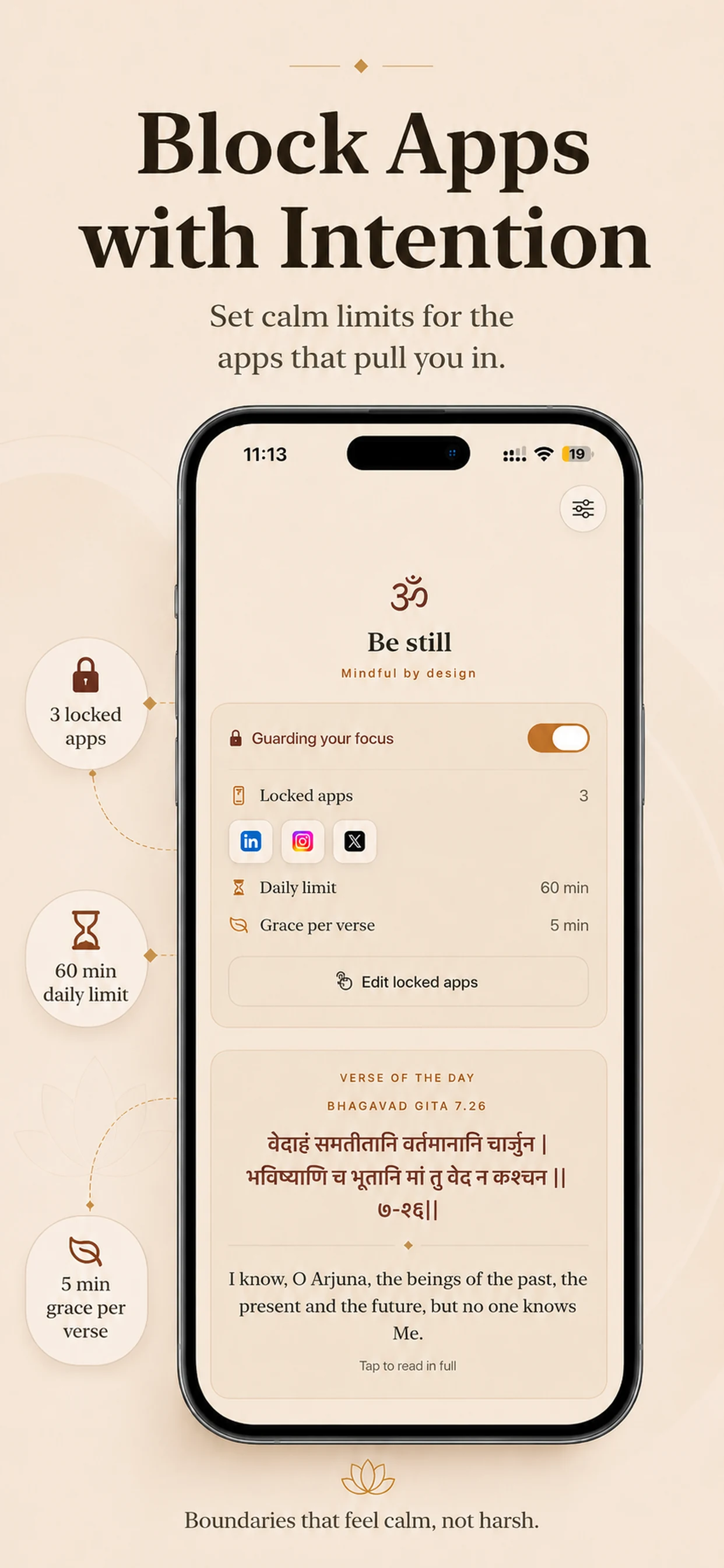
Users choose the apps that pull them in, set a daily time budget, and optionally add bedtime or focus schedules. When the limit is reached, GitaLock presents a verse and its meaning before offering a deliberate next choice.

“An app blocker that changes the moment, not just the screen.”
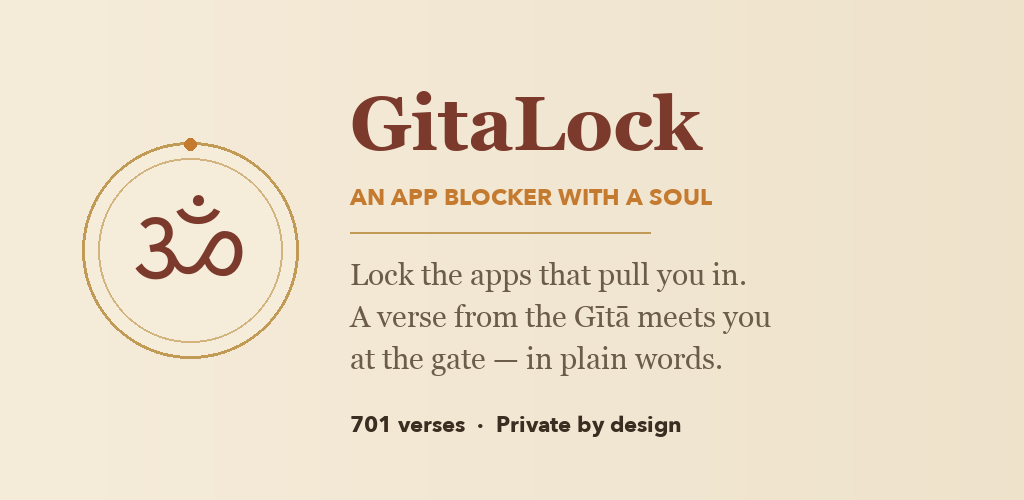
GitaLock brand graphic describing an app blocker with a soul, 701 verses, and private-by-design experience
Product Promise · A verse from the Gītā meets the user at the gate—in plain words
GitaLock app icon combining the Om symbol with a lock in warm saffron and maroon tones
App Identity · A warm, traditional mark that combines contemplation and digital boundaries
02

The Mindful Loop

01
Set an Intention
Choose apps or categories, set a daily allowance, and create quiet schedules around bedtime or deep work.
02
Meet the Gate
When usage reaches the limit, a custom shield replaces the usual app opening with a verse and accessible meaning.
03
Choose Deliberately
Reflect to unlock a short grace window, or stay mindful and keep the distracting app closed.
03

Product Experience

The experience moves from intention to interruption to reflection. Each screen reinforces the same calm promise while making limits, protected apps, and the next available action easy to understand.

The App Store story follows that same journey: establish the habit problem, show how boundaries work, then reveal the verse-led pause that makes GitaLock different.
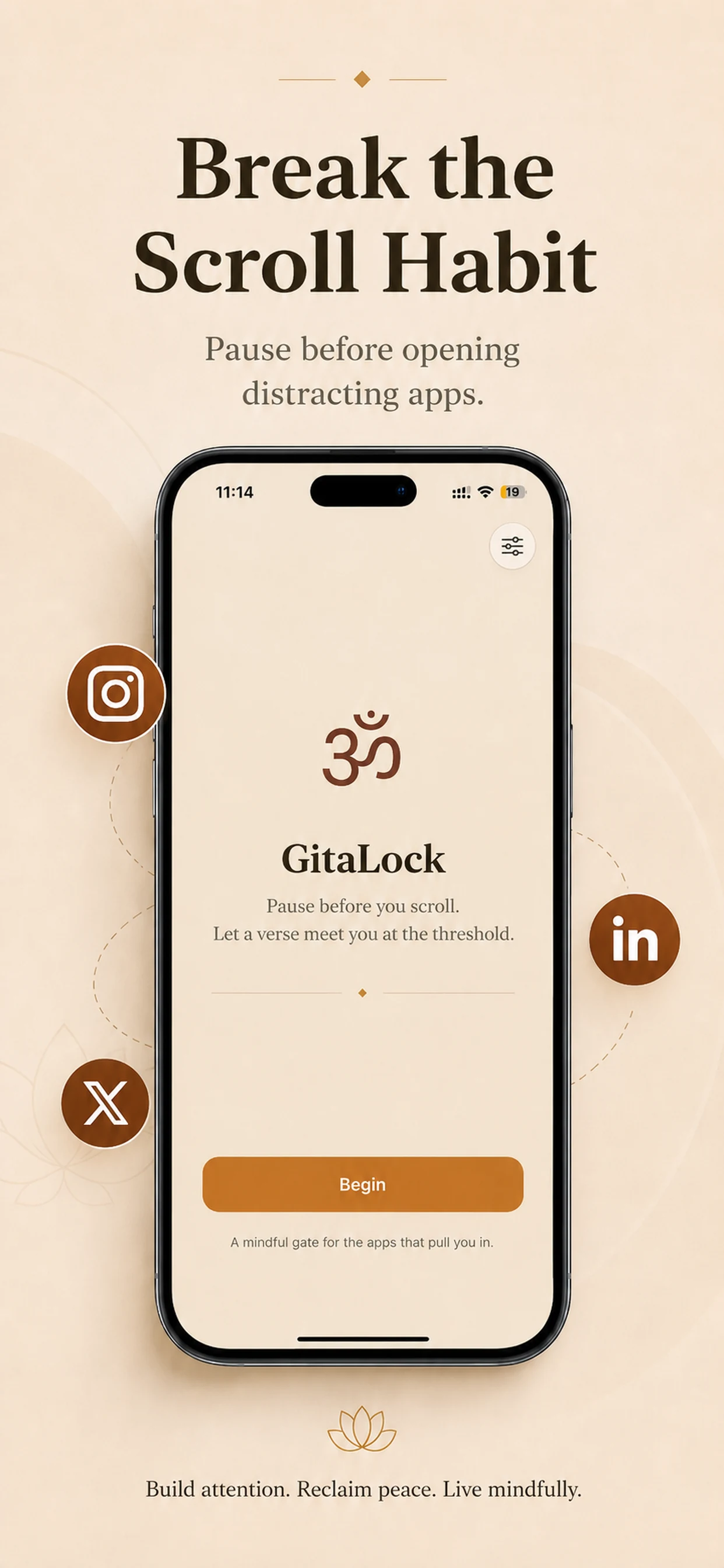
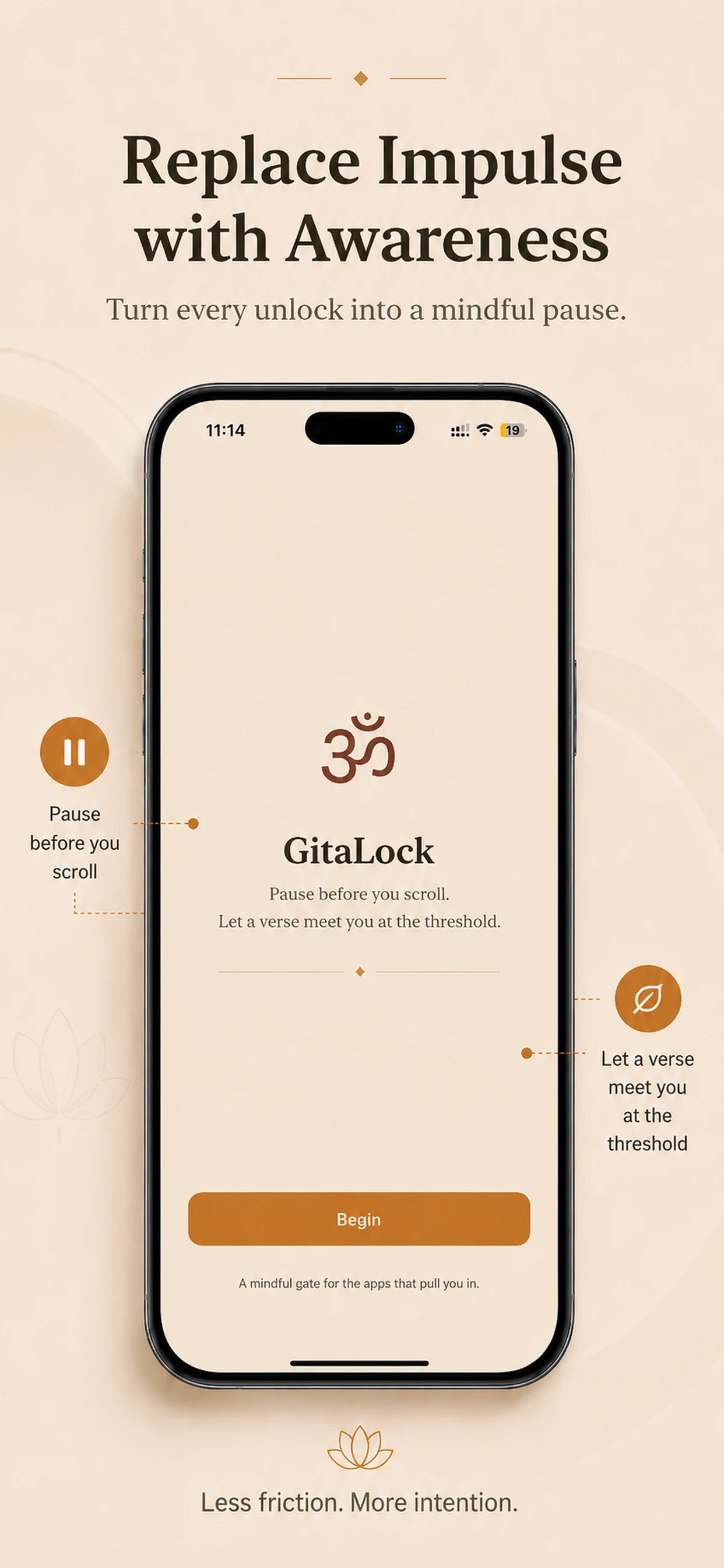
GitaLock onboarding screen introducing a mindful pause before opening distracting apps
Habit Interruption · Introduces the product as a calmer alternative to automatic scrolling
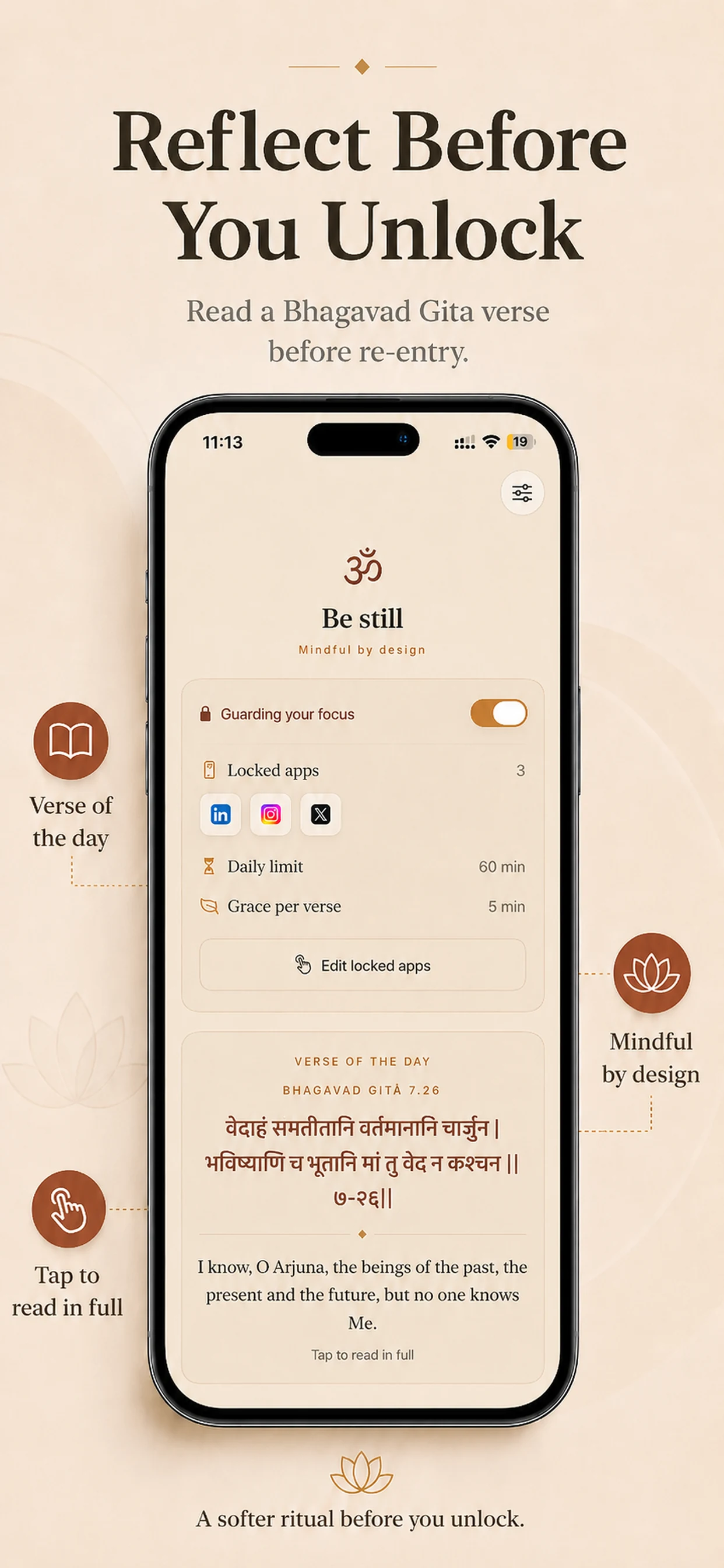
GitaLock dashboard showing guarded apps, daily usage limit, grace period, and verse of the day
Intentional Limits · Makes protected apps, time allowance, and grace period visible in one focused view
GitaLock reflection experience showing a Bhagavad Gita verse before unlocking a guarded app
Verse-led Reflection · Turns re-entry into a softer ritual instead of a mechanical override
GitaLock welcome screen encouraging users to replace impulsive app opening with awareness
Mindful Gate · Sets the emotional tone before users configure their first boundary
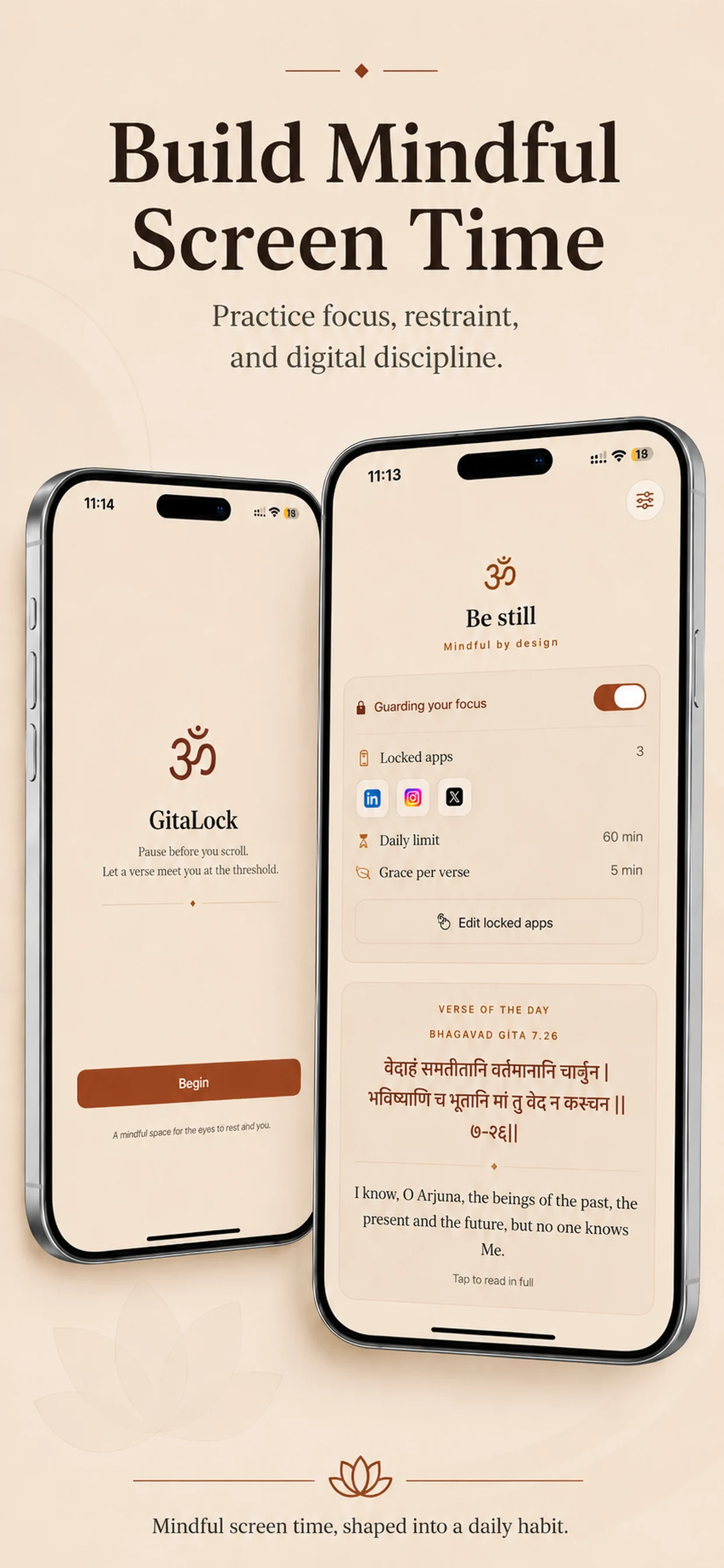
Two GitaLock iPhone screens showing onboarding and the guarded-app dashboard together
Complete System · A cohesive visual language across onboarding, daily controls, and verse-based reflection
04

Design Direction

The visual language avoids the cold, clinical patterns common to productivity tools. Cream paper, saffron, deep maroon, serif typography, and generous spacing make the experience feel contemplative rather than restrictive.

Verses are presented in Devanāgarī, transliteration, a classic English translation, and a plain-language meaning so the pause remains useful to both familiar and first-time readers.

Privacy is part of the product experience: no account, no tracking, and no data collection. App selections remain on-device and Apple’s Screen Time framework handles the protected system state.

The interface gives users agency through clear limits, understandable schedules, and a reversible grace period—firm enough to interrupt habit, but never punitive.

05

Product Principles

01
Interrupt the reflex
The most valuable moment is the split second before an automatic action becomes another scrolling session.
02
Use friction with purpose
A short reading and breathing pause adds just enough space for intention to return without creating hostility.
03
Make wisdom accessible
Plain-language explanations preserve the verse’s role while making every reflection useful to a modern audience.
04
Keep trust on-device
Private-by-design architecture supports the product promise: attention is protected without turning personal behaviour into data.

Have something in mind?

Let's make it work.

Ex-Founder, Product Manager & Designer. Based in Dubai.